OceansMap

OILMAPweb

OILMAP is an oil spill model system suitable for use in oil spill response and contingency planning. Oil spill modelling using OILMAP provides rapid predictions of the movement of spilled oil. A comprehensive 3D model is included that tracks various hydrocarbon components on the water surface, in the water column, and in the air.


Incident Management

The Incident Management Tool is now integrated into OceansMap, specifically designed to support operational response. Previously a separate tool, OILMAP has been fully incorporated into OceansMap. In this instance, only OILMAP is being used, but there are configurations that include SARMAP and CHEMMAP as well. Upon request, users can view scenarios from OILMAP, SARMAP, and CHEMMAP side by side. In a multifaceted response, all these trajectory models can be run simultaneously, overlaid, and visualized together, providing a comprehensive view of the entire response operation.

OILMAPweb Incidents and Scenarios

When users open the Incident Management Tool, they will see a list of incidents. Each incident serves as a parent, with scenarios listed as children under it. Within each incident, multiple scenarios can be included. Users have the option to create a new incident or utilize an existing one. This interface is highly powerful, offering robust search tools that allow users to filter and search for scenarios based on various criteria such as name, specific incidents, and more. The tool is designed to support a wide range of locations around the world, making it adaptable for various operational contexts. Additionally, the tool provides the capability to upload and run scenarios. Users running scenarios from the 24/7 side can upload their data directly into the system and visualize the results within the tool.

OILMAPweb Output

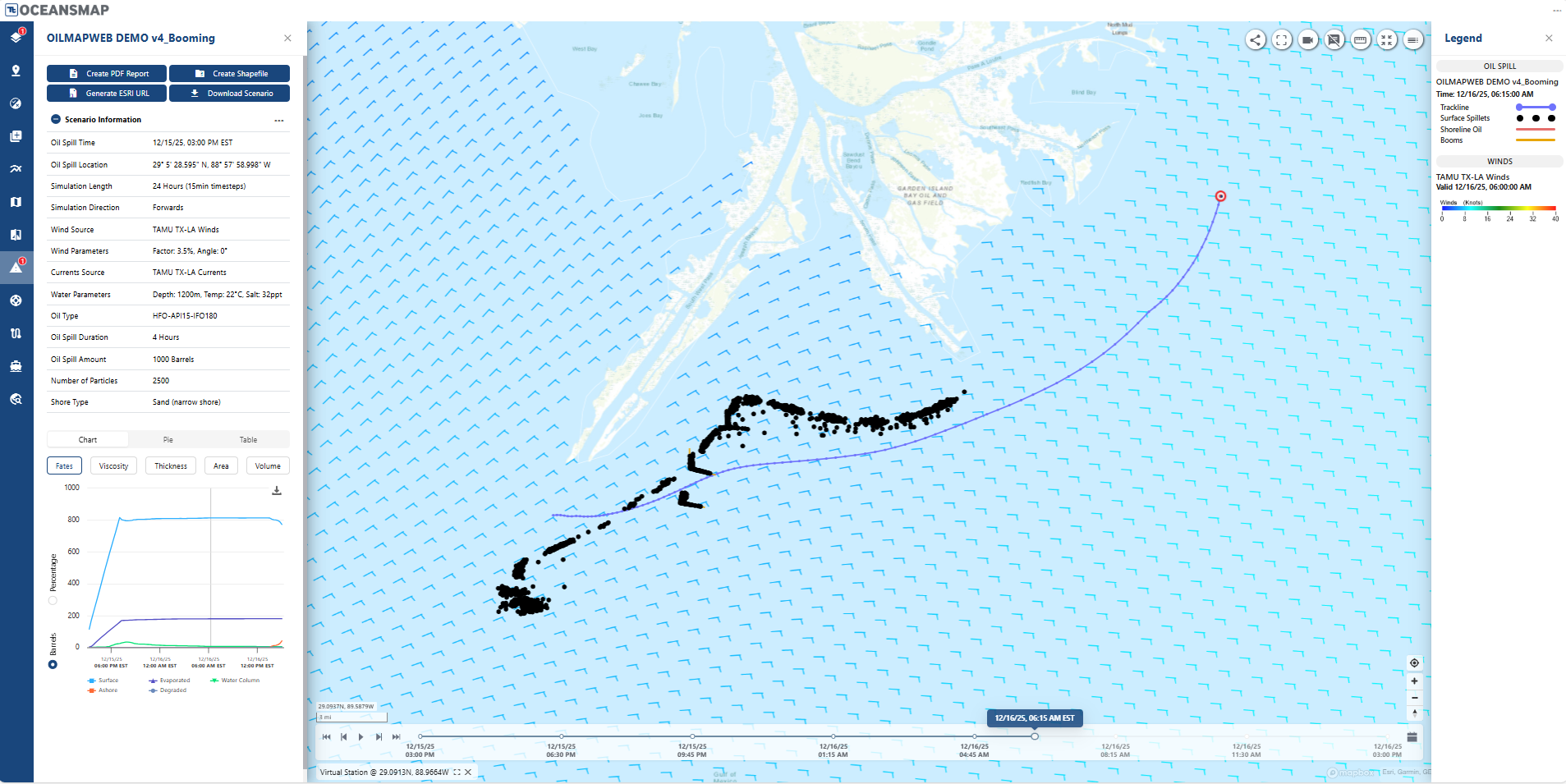
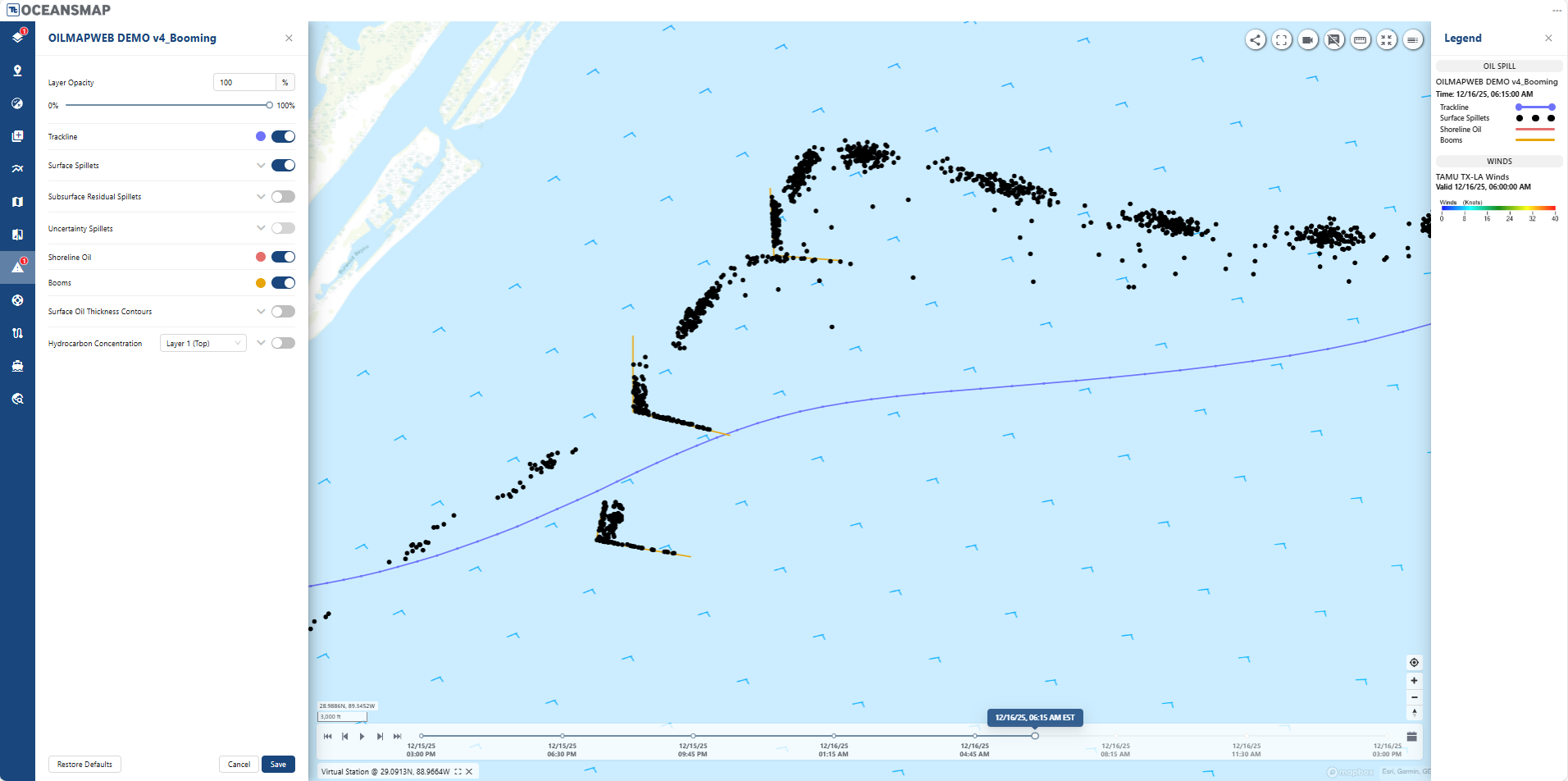
OILMAP Web gives users an interactive, map-based view of spill scenarios, with the ability to download data, generate shapefiles, and create fully customizable reports in just a few clicks. Explore incidents over time with dynamic animations, an interactive mass balance graph, and a full 3D model showing both surface and subsurface hydrocarbon transport. Users can quickly access detailed data—such as concentration, thickness, and shoreline impact—directly from the map, while comparing multiple scenarios side by side in a fully customizable interface.

Running an OILMAPweb Model

The process starts by selecting or creating an incident, then defining a scenario with a name and description. Users configure key details such as location, simulation timing, trajectory direction, oil type, and spill parameters before running the model. The system tracks active scenarios in the background, showing progress and allowing multiple users to work simultaneously without interruption. Once complete, results appear on the map with customizable display options, and scenarios can be edited, duplicated, or rerun as needed.

Contact Us